 Khanta
Stock moves.
Khanta keeps up.
Capture products with camera and voice. Track every unit, sale and expiry. See the books behind the counter, even when the network drops.
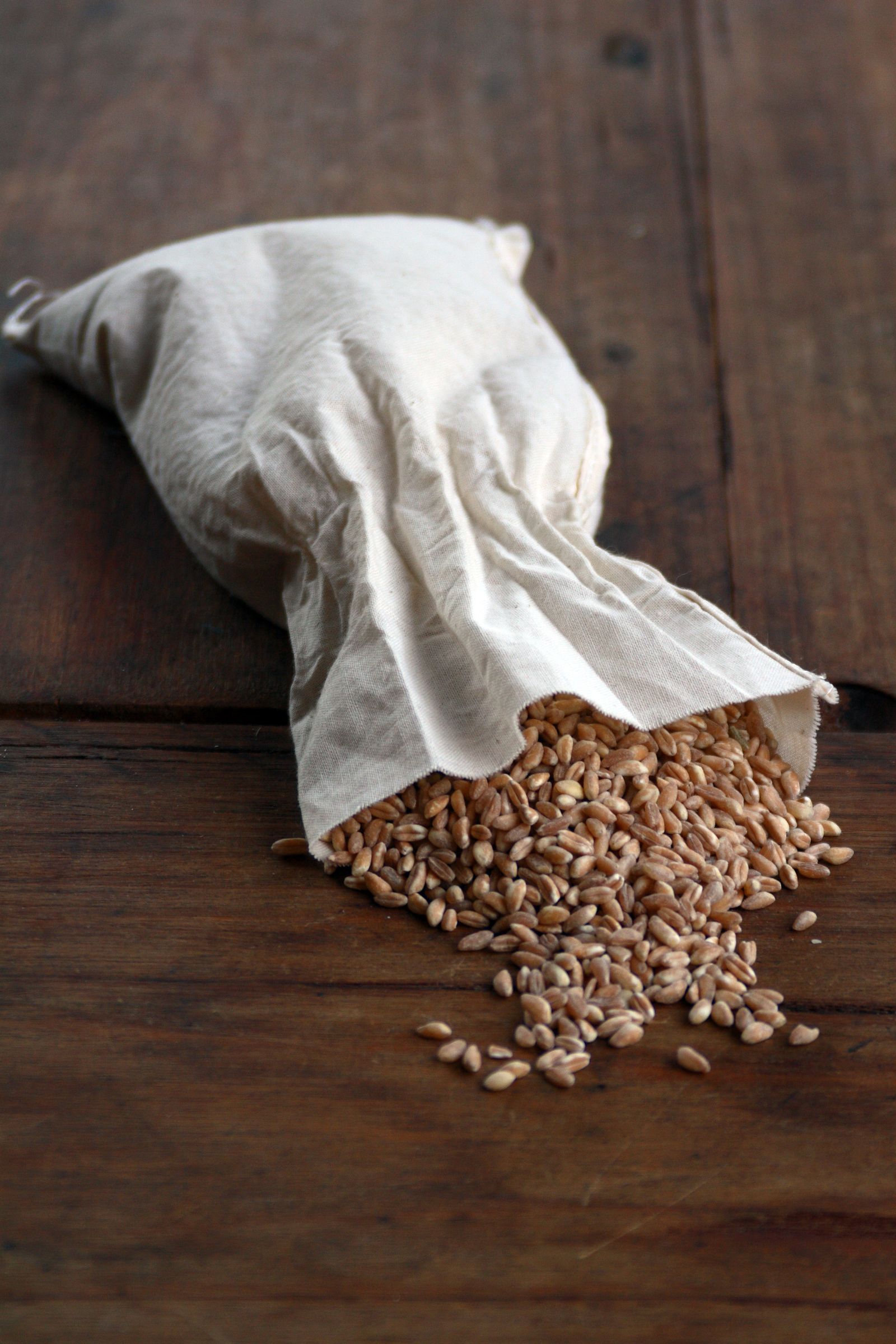
Point.
Use the camera and your voice to record loose goods, a scoop of garri, or oil poured from a jerry can.
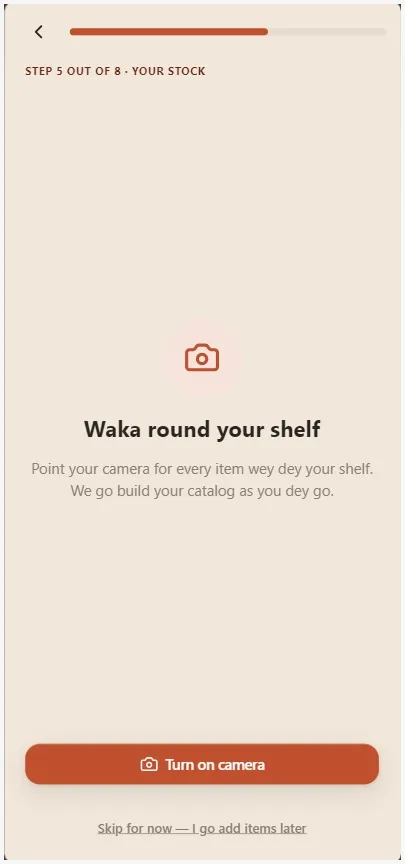
Convert.
Set the ratio once. Each sale then updates the bag, the derica, and every unit between them.
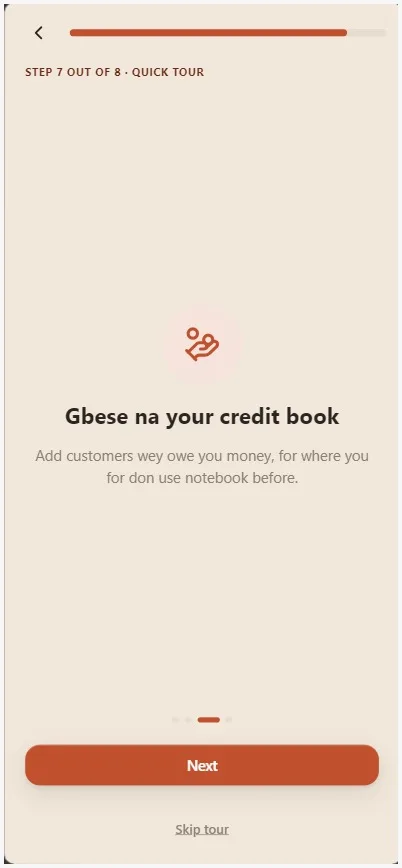
Collect.
A name and a phone number is all Gbese needs to start tracking who owes you, and to send the reminder for you.
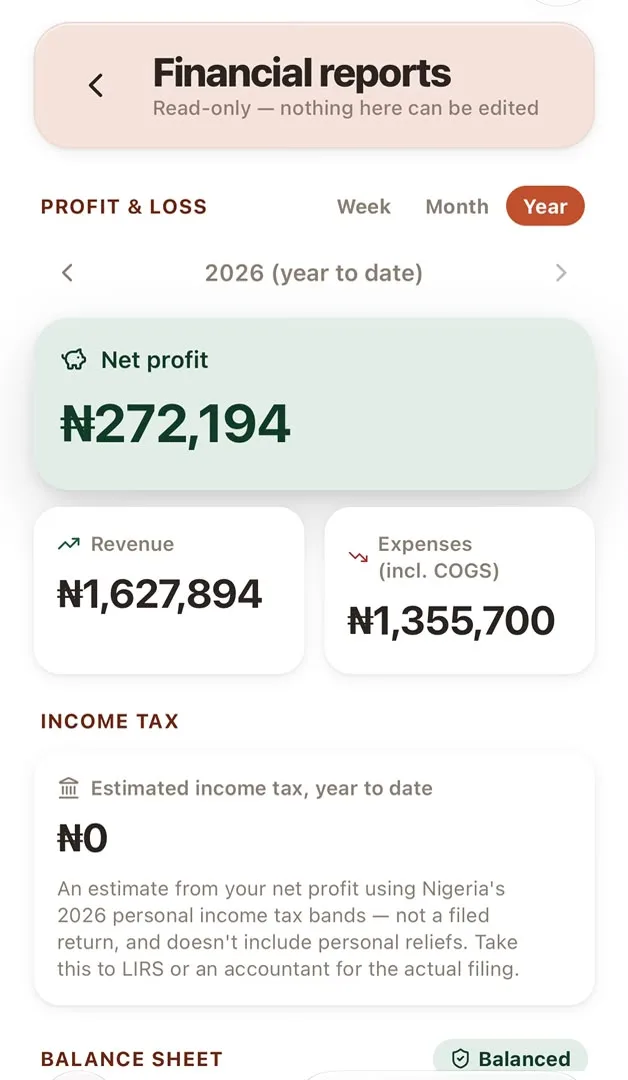
Prove it.
See profit, loss, and a balance sheet that balances. Share clear records with an accountant or investor.
Small details decide whether a shop makes money
Loose goods, changing units, credit sales and busy shifts make the true picture hard to hold in one place. Khanta brings those everyday records together, so you can spot what changed and decide what to do next.
Camera + voice capture
Point, say what it is, done.
See it in practice"Rice, one bag," said out loud at the shelf, becomes a catalog entry before you have put your phone away.
Unit conversion
Buy by the bag, sell by the cup.
See it in practiceSet 1 bag = 40 derica once. Every sale after that updates the bag, the derica, and every tier between them automatically.
Gbese credit book
Who owes you, and WhatsApp reminders from your shop's connected account.
See it in practiceJust a name and phone number, no formal ID. Khanta keeps the running balance and sends the reminder so you don't have to.
5 minute setup
No manual, no training session.
See it in practiceAdd your phone number and shop name, then walk the shelf to capture your top items. Most owners are ready to record sales before a manual would be finished.
Margin & restock
Honest numbers, never a guess.
See it in practiceA reorder point computed from your own sales pace, not a flat 'low stock' flag anyone could set and forget.
Built around your shelf, not a barcode catalogue.
Shops sell loose goods, change units, record credit, and serve customers through busy shifts. Khanta keeps those daily details in one clear place.
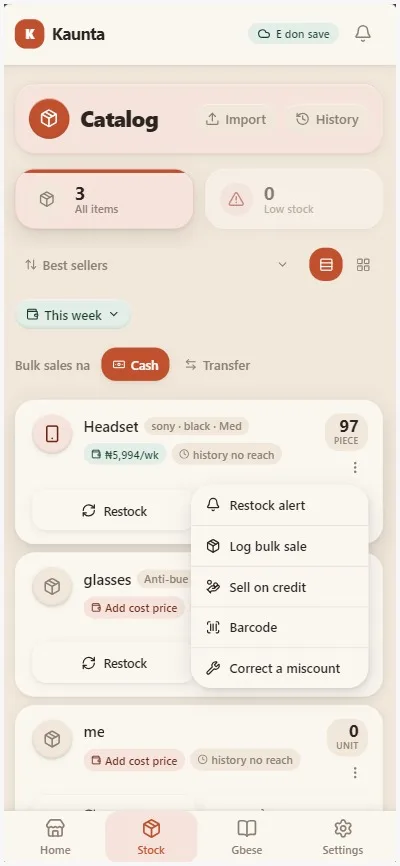
Explore the product- Capture by camera or voiceAdd loose goods without searching for a barcode.
- Sell in the units people useBuy by the bag and sell by the derica. Stock stays connected.
- Keep credit in viewTrack each balance and send a WhatsApp reminder from your store's connected account.
- Keep working offlineRecord sales during a network drop and sync when service returns.
Keep Khanta one tap away.
Khanta is a progressive web app. Open it once, add it to your home screen, and it launches like a mobile app without downloading it from an app store.
Open Khanta app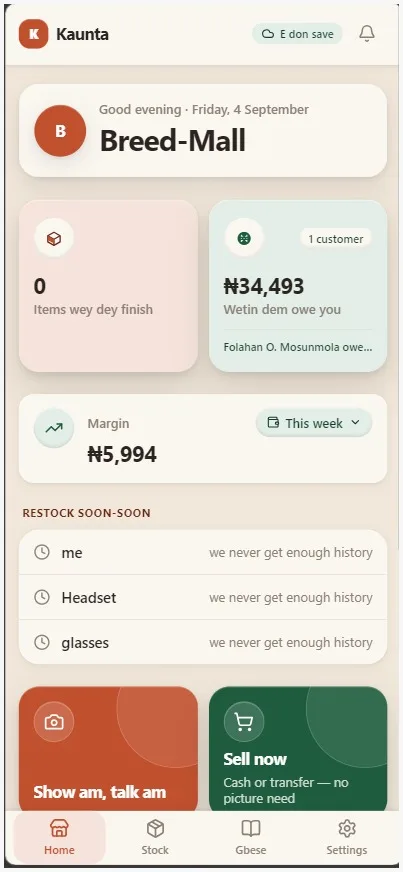
Android
Open the app in Chrome, tap the three-dot menu, then choose “Add to Home screen” or “Install app.”
iPhone
Open the app in Safari, tap Share, choose “Add to Home Screen,” then tap Add.
Launch
Tap the Khanta icon from your home screen. Your stock book opens without the browser toolbar.